
wordpress to webflow

WordPress to Webflow migration services

Migrate your website from WordPress to Webflow with better performance, scalability, and zero loss of SEO, content, or design.
webflow logo
Clutch rating
awwwards site of the day
Trusted by 100+ fast-growing brands in SaaS, tech, B2B, and ecommerce
star svg
star svg
star svg
star svg
star svg
star svg

Why WordPress starts slowing you down

Black 3D lock icon with a keyhole mounted on a circular base with yellow glowing rings around.
Security Risks

WordPress relies heavily on plugins to add core functionality.
Patchstack recorded 11,334 vulnerabilities in 2025, a 42% jump from the previous year, with many remaining unpatched.

As the website grows the number of plugins increases alongwith the risk of conflicts, security gaps, and unexpected failures.

A fragile, high-risk setup that’s difficult to maintain and scale.
3D bar chart on a platform showing decreasing values with a downward arrow.
Poor Core Web Vitals

WordPress sites often slow down due to heavy plugins and third-party integrations.

Google's own data shows that as load time increases from 1 to 3 seconds, bounce rates rise by 32%, and at 5 seconds, up to 90%.

Google uses Core Web Vitals as a ranking signal, so slow WordPress sites are continuously penalised in search results.

Higher bounce rates, lost revenue, and declining SEO performance.
Black puzzle piece with code symbol </> hovering over a circular platform with small spheres and orbital rings.
Developer Dependency

Regular plugin, theme, and core updates make WordPress sites dependent on ongoing developer support.

According to Webflow’s State of the Website Report, 93% of marketing leaders rely on developers or external teams for website changes, slowing down campaigns and execution.

Slower execution, increased dependency, and limited agility.
Black shaving brush and razor beside a stack of black circular containers with a stylized letter S on the top container.
Hidden Costs

What starts as a “free” WordPress site becomes expensive as you grow.
Premium plugins, hosting, maintenance, and developer support quickly add up.

WordPress sites often cost $1,400–$5,700/year just to maintain hosting, plugins, security, and updates.

Unpredictable expenses and rising cost of ownership.
3D illustration of a smartphone screen displaying a grid layout with a photo icon being dragged.
Limited Design Flexibility

Themes and page builders limit how your site looks, making it difficult to create truly custom, design-driven experiences.

Achieving pixel-perfect design often requires heavy customization as complexity increases.

Building high-quality websites becomes increasingly difficult within these constraints.

Restricted creative freedom and compromised design quality.
Three-dimensional black triangular warning icon with an exclamation mark, glowing faintly green behind.
Accidental Errors & Lack of Control

WordPress gives broad access through its admin panel, making it easy for non-technical users to unintentionally break layouts or content.

Without a clean, structured editing environment or granular access control, changes like installing plugins or modifying pages can lead to unexpected issues and downtime.

Increased risk of errors, broken pages, and ongoing maintenance overhead.
3D illustration of a black shield with a keyhole on a circular base, with glowing green light rings around it.
Security Risks

WordPress relies heavily on plugins to add core functionality.
Patchstack recorded 11,334 vulnerabilities in 2025, a 42% jump from the previous year, with many remaining unpatched.

As the website grows the number of plugins increases alongwith the risk of conflicts, security gaps, and unexpected failures.

A fragile, high-risk setup that’s difficult to maintain and scale.
Stack of black coins with a dollar sign and a magnifying glass, symbolizing financial analysis or investigation.
Poor Core Web Vitals

WordPress sites often slow down due to heavy plugins and third-party integrations.

Google's own data shows that as load time increases from 1 to 3 seconds, bounce rates rise by 32%, and at 5 seconds, up to 90%.

Google uses Core Web Vitals as a ranking signal, so slow WordPress sites are continuously penalised in search results.

Higher bounce rates, lost revenue, and declining SEO performance.
3D black bar chart with descending arrow and round dots on a glowing green circular background.
Developer Dependency

Regular plugin, theme, and core updates make WordPress sites dependent on ongoing developer support.

According to Webflow’s State of the Website Report, 93% of marketing leaders rely on developers or external teams for website changes, slowing down campaigns and execution.

Slower execution, increased dependency, and limited agility.
Black puzzle piece with code brackets icon, positioned above a circular base with orbiting spheres.
Hidden Costs

What starts as a “free” WordPress site becomes expensive as you grow.
Premium plugins, hosting, maintenance, and developer support quickly add up.

WordPress sites often cost $1,400–$5,700/year just to maintain hosting, plugins, security, and updates.

Unpredictable expenses and rising cost of ownership.
3D illustration of a smartphone screen with image and paper plane icons representing media sharing or messaging.
Limited Design Flexibility

Themes and page builders limit how your site looks, making it difficult to create truly custom, design-driven experiences.

Achieving pixel-perfect design often requires heavy customization as complexity increases.

Building high-quality websites becomes increasingly difficult within these constraints.

Restricted creative freedom and compromised design quality.
A black triangular shape with rounded edges and an exclamation mark inside, surrounded by a green glowing circular pattern on a dark background.
Accidental Errors & Lack of Control

WordPress gives broad access through its admin panel, making it easy for non-technical users to unintentionally break layouts or content.

Without a clean, structured editing environment or granular access control, changes like installing plugins or modifying pages can lead to unexpected issues and downtime.

Increased risk of errors, broken pages, and ongoing maintenance overhead.

Migrate to Webflow with zero data loss

Pages & Core Content
All static pages, landing pages, blogs, and case studies are migrated and structured for Webflow.
tick icon
Static pages (Home, About, Services)
tick icon
Case studies
tick icon
Landing pages
tick icon
Blog posts
CMS & Dynamic Content
We transform your WordPress CMS into a scalable Webflow CMS while preserving content structure.
tick icon
Blog categories & tags
tick icon
Custom post types
tick icon
Authors & publish dates
tick icon
Structured CMS collections
SEO & Metadata
All key SEO elements are preserved to protect your search rankings.
tick icon
Meta titles & descriptions
tick icon
URL structure
tick icon
Canonical tags
tick icon
Schema markup (if applicable)
URLs, Redirects & Internal Links
We manage every URL and link to ensure a seamless transition without losing traffic.
tick icon
Full URL mapping
tick icon
301 redirects
tick icon
Internal link structure
tick icon
Sitemap setup
Media & Assets
All media is migrated, optimized, and performance-ready.
tick icon
Images & alt text
tick icon
Videos & embeds
tick icon
PDFs / downloadable files
Functionality & Integrations
We rebuild your WordPress features in Webflow without relying on plugins.
tick icon
Forms & submissions
tick icon
Third-party integrations (CRM, analytics)
tick icon
Tracking scripts (GA, Meta Pixel)
tick icon
Plugin-based features (rebuilt in Webflow)
Design & UI Consistency
We recreate your layouts, components, and responsive behavior with pixel-perfect precision.
tick icon
Layout recreation
tick icon
Component structure
tick icon
Responsive behavior

Why Webflow over WordPress

wordpress logo
webflow logo
Setup & Hosting
Requires separate hosting, setup, and configuration
All-in-one (hosting, CMS, security included, SSL)
Ease of Use
Depends on plugins (Elementor, etc.) for visual editing
Visual builder with real-time design control
Design Flexibility
Limited without custom code or page builders
Pixel-perfect control (CSS-level design visually)
Performance
Can slow down due to plugins and poor hosting
 Clean code, fast loading, built-in CDN
Maintenance
Frequent updates, plugin conflicts & ongoing maintenance
No updates, no plugin conflicts
Security
Depends on plugins, hosting, and manual setup
Built-in SSL, AWS hosting, low vulnerability
Plugins
Heavy reliance on plugins for most features
Minimal reliance on third-party tools
SEO Control
Strong SEO but often plugin-dependent
 Clean semantic code + full control
CMS Experience
Powerful but messy with plugins
 Structured, clean, no plugin clutter
Cost Predictability
Costs stack (hosting + plugins + dev)
Fixed pricing, no hidden plugin costs
Time to Launch
Slower due to setup + integrations
 Faster (design + build in one tool)

Our proven Webflow migration framework

Comprehensive Website Audit
Our Webflow migration process begins with a comprehensive audit of your existing website. We analyze site structure, assess content, and map your content thoroughly to ensure your site’s SEO remains intact. Based on this assessment, our team of experts creates a detailed Webflow migration roadmap for your website to ensure a smooth migration to Webflow.
Points Icon Illustration
SEO and content mapping
Points Icon Illustration
Detailed Migration Plan
Stylized illustration of a computer monitor, smartphone, and documents on a dark table with blue background, representing digital workflow or technology.
Pixel perfect rebuild in Webflow
This is where your website is rebuilt in Webflow. Our team transforms your website into a pixel-perfect Webflow build, preserving the look and feel of your website. Any design refresh or visual enhancements can be done at this stage while ensuring a high-performing Webflow website.
Points Icon Illustration
Design Preservation
Points Icon Illustration
Visual Enhancements
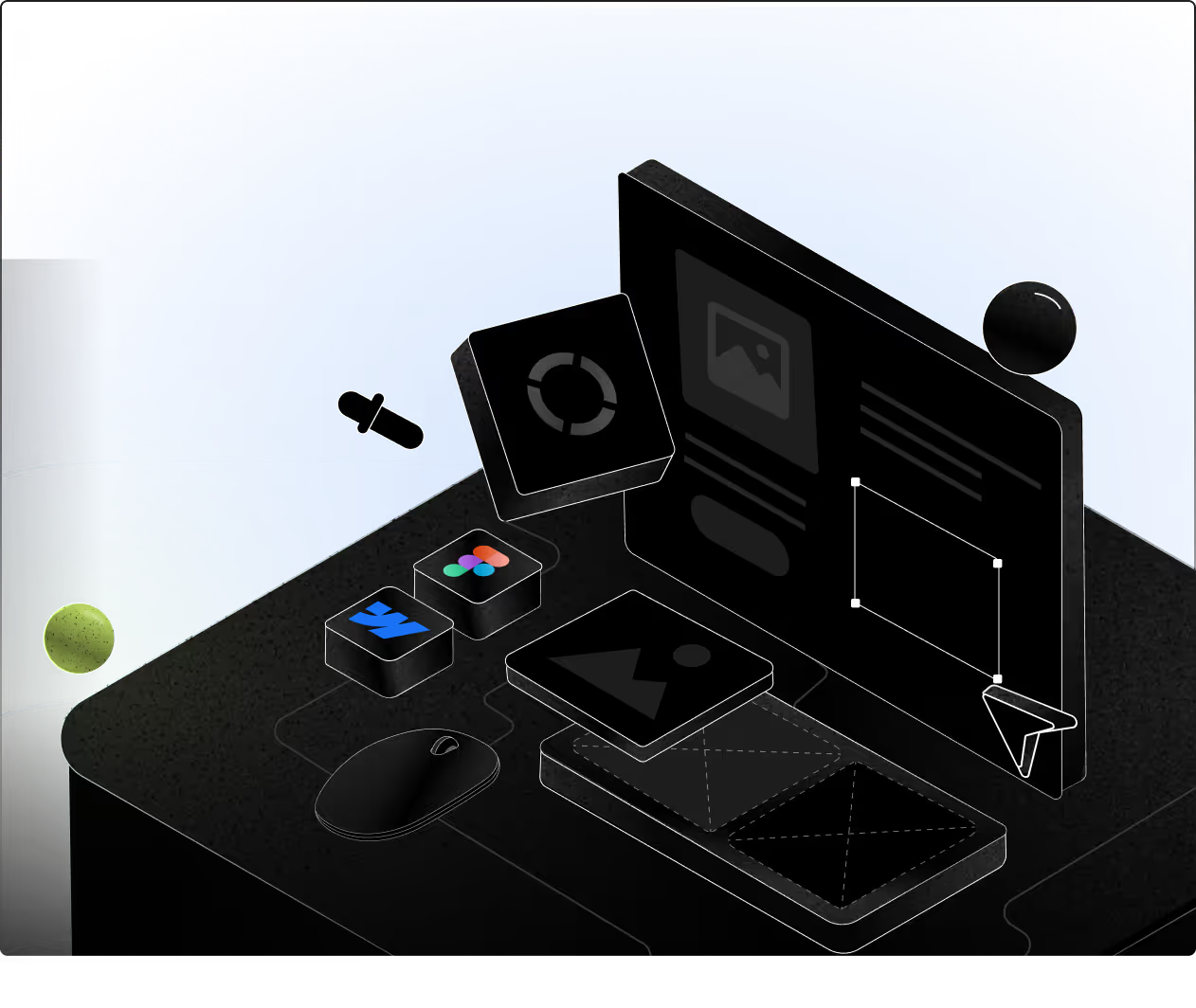
3D digital workspace with floating design and editing tools, including color picker and Figma icons, on a black desk with a blue background.
Content & SEO Migration
We ensure your Webflow migration doesn’t impact SEO. Our team will carefully import all the existing meta tags, URL structures, and any existing SEO integrations so your rankings and discoverability are preserved.
Points Icon Illustration
SEO Preservation
Points Icon Illustration
Structured Migration
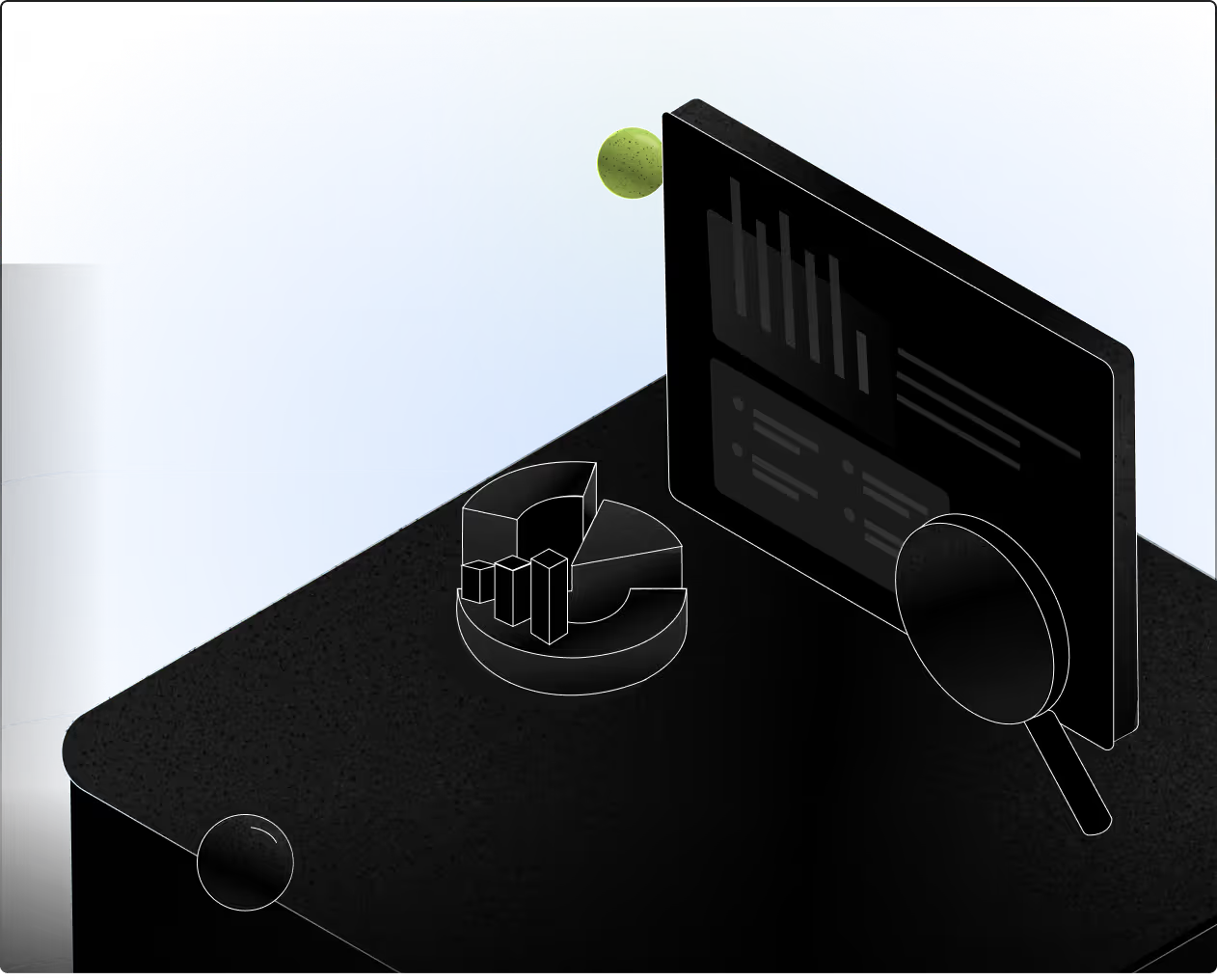
Isometric illustration of data analysis showing a pie chart, bar graph, and magnifying glass on a dark table with a blue background.
Quality Assurance
Testing is a core part of our Webflow migration process. Before launch, we test your Webflow website across browsers, devices, and workflows. This ensures zero broken links, smooth functionality, and a flawless migration experience.
Points Icon Illustration
Cross Device Testing
Points Icon Illustration
Error Free Launch
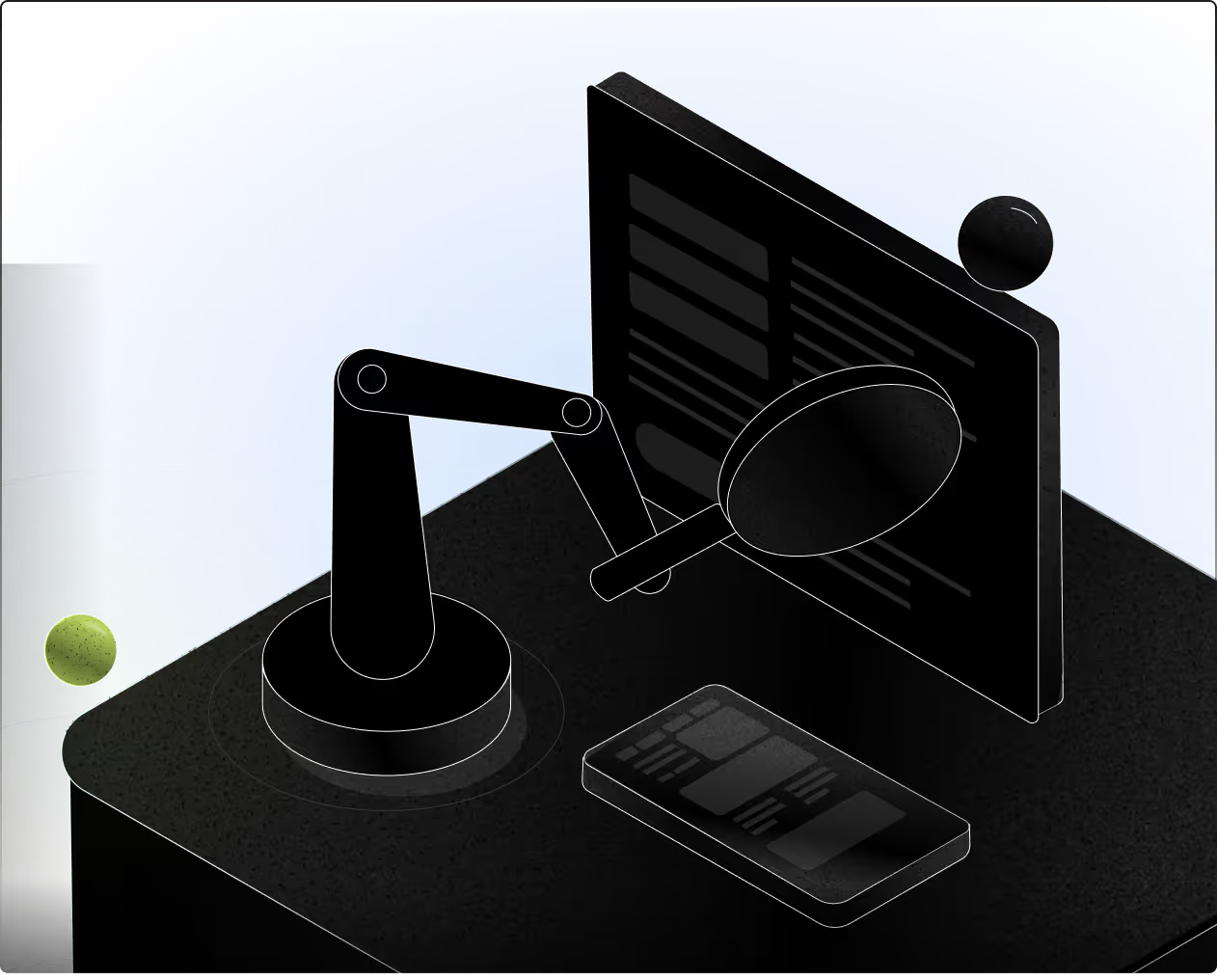
Digital illustration of a robotic arm holding a magnifying glass to examine a computer screen with text and a smartphone on a desk, set against a blue background.
Website Launch
This is the final step where your new website goes live. We transfer the project to your Webflow account and handle the launch with zero downtime, ensuring your content, design, and SEO remain fully intact.
Points Icon Illustration
Seamless Launch
Points Icon Illustration
Zero Downtime
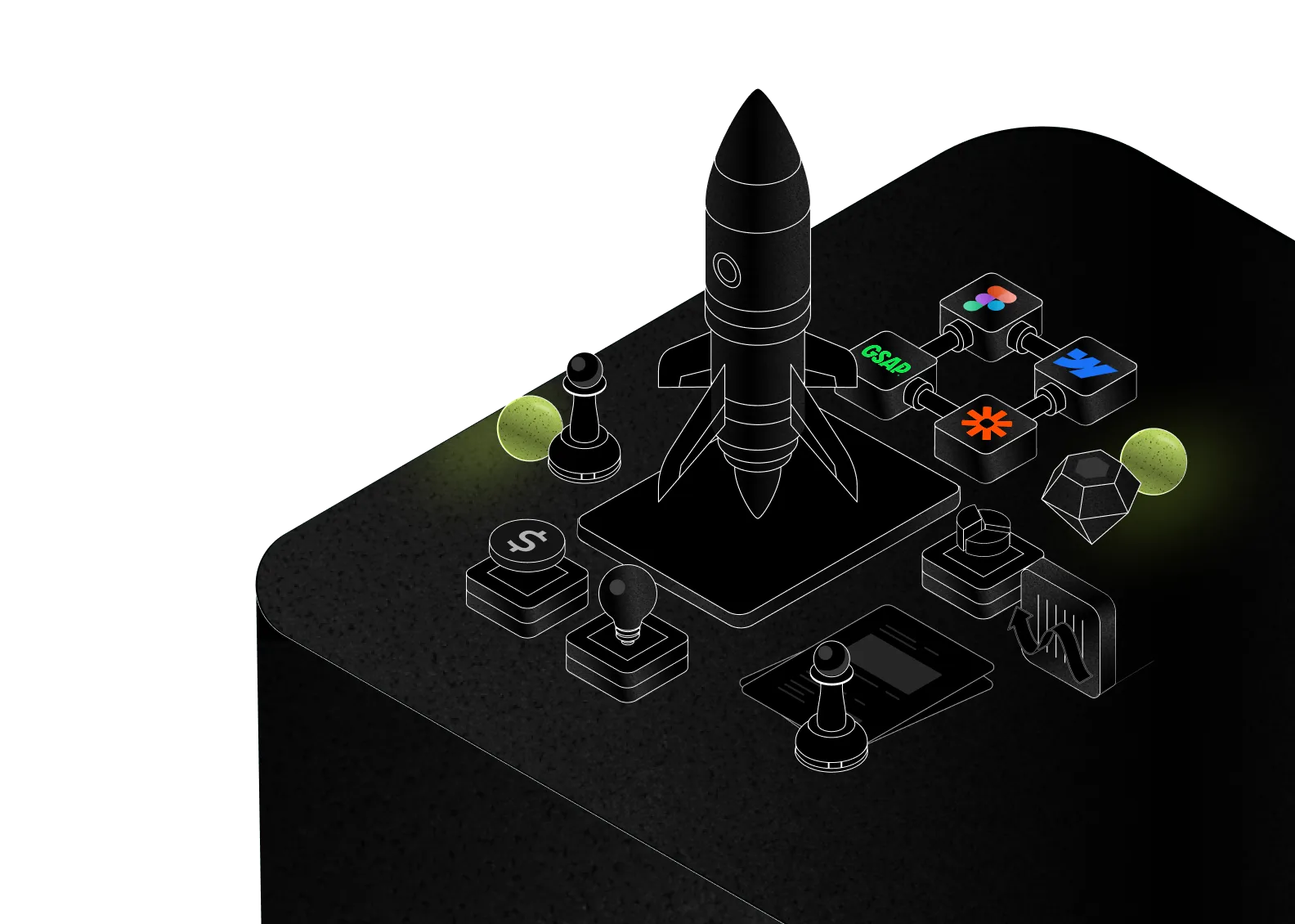
Illustration of a rocket with a blue 'w' logo launching from a tablet on a black surface with a chess pawn and a phone nearby.

Who should migrate from WordPress to Webflow

Good Fit
tick icon
Your marketing team needs faster, safer content updates
tick icon
You want less ongoing dependency on developers
tick icon
You prefer a predictable, transparent cost structure
tick icon
You want modern, clean, user-centered design and full design control
Not a Great Fit
wrong icon
You rarely update your website
wrong icon
SEO is not a priority for your business
wrong icon
You are comfortable relying on developers for most changes
wrong icon
You’re okay paying for multiple premium plugins and ongoing maintenance

See the results our Webflow work delivers

Brand Impetus has always been there for us when we needed them. Sumit's ability to understand the brief, and respect project deadlines is why we keep coming back to him often.
Rohan Mukherjee
Co-founder at Byooooob
Design
Development
450% Increase in traffic
3X ROAS
Rohan mukherjee
Risheeta agarwal Image
Neel Shah
Awwards logo
Working with Brand Impetus was seamless. Loved the clear communication. The team continues to support us whenever needed, even after delivery.
Risheeta Agarwal
Co-Founder at Eo2Exp
Design
Development
230% Traffic Growth
70% Longer Session Time
Rohan mukherjee
Risheeta agarwal Image
Neel Shah
Brand Impetus is an extremely dependable team. Their understanding of the briefs and brand is impeccable. They don't shy away from going beyond their scope of work to satisfy the business. They are always available and approachable for anything you require
Neel Shah
Co-Founder at Mentopreneur
Design
Development
75% Page Scroll Depth
3X Engagement
Rohan mukherjee
Risheeta agarwal Image
Neel Shah

Your questions about WordPress to Webflow migration answered

How long does WordPress to Webflow migration take?

Migration depends on the existing website’s size and complexity, but most of our Webflow migrations typically take 4 to 8 weeks.

Will my WordPress blog posts migrate to Webflow CMS?

Yes. All your webflow blog posts, 301 redirects, media files, everything will be migrated to the webflow site.

What happens to my WordPress plugins after migration?

Most WordPress plugins are no longer needed after migrating to Webflow. Webflow offers built-in features for performance, SEO, security, and CMS functionality, reducing the need for third-party plugins.

For any functionality that cannot be directly replicated, our team identifies the best alternative solutions and implements them seamlessly to ensure your website continues to perform without limitations.

Will I lose my Google rankings when moving from WordPress to Webflow?

No. If the migration is handled correctly, you won’t lose your Google rankings. At Brand Impetus, we work closely with your SEO team to ensure a seamless WordPress to Webflow migration with zero SEO loss.

We preserve URL structures, implement proper 301 redirects, and maintain all critical on-page SEO elements such as meta titles, descriptions, header tags, and alt text. We also ensure your XML sitemap, canonical tags, structured data, and internal linking are correctly set up, so your search rankings and traffic remain stable post-migration.

Can you migrate a WooCommerce store to Webflow?

Yes. We can migrate your WooCommerce store to Webflow with a smooth transition and zero downtime. We carefully transfer your product data, design, and content while optimizing performance, structure, and user experience.

However, there may be some limitations during migration. For example, certain payment gateways or features supported in WooCommerce may not be available in Webflow. We identify and communicate these limitations upfront during the migration planning phase to ensure there are no surprises.

Do I need to cancel WordPress hosting before migrating?

No. To ensure zero downtime during your WordPress to Webflow migration, we recommend keeping your existing WordPress hosting active until the migration is fully complete and your new website is live. Once everything is tested and published, you can safely cancel your WordPress hosting.

Do Webflow websites have better page speed than WordPress websites?

In most cases, yes. Webflow websites often load faster than WordPress sites due to cleaner code structure and the absence of heavy plugin dependencies. Webflow includes built-in performance optimizations such as automatic image compression, lazy loading, and minification of CSS and JavaScript files. These features help improve page speed, Core Web Vitals, and overall website performance without requiring additional plugins.

Does Webflow handle security updates?

Yes. Webflow handles all backend infrastructure, including hosting, automatic security updates, SSL certificates, and bandwidth scaling. This ensures your website stays secure, fast, and reliable without manual maintenance. You can focus on design, content, SEO, and marketing while Webflow manages performance and security.

Ready to migrate to Webflow?

Upgrade to Webflow with better speed, scalability, and peace of mind.
Have questions? Let’s walk you through it.
Three people smiling and a 5-star rating with four stars outlined in yellow and one star solid yellow.
TRUSTED BY 120+ COMPANIES
Webflow logo
Webflow Partner
Awwwards logo
Isometric illustration of a rocket on a platform surrounded by chess pawns, icons representing finance, ideas, charts, and connected app logos including GSAP, Figma, Zapier, and Webflow.